

The bottom bar is the one to notice. Nothing in a standard report distinguishes it from a shopper who simply was not interested.
There are four routes to a product page: navigation, search, a recommendation, and a direct link from an ad. Most dropshipping stores have one working properly, usually the direct link, which reaches exactly one product per campaign. Everything else in the catalogue depends on the other three, and when they fail the result is not a slow product, it is an unreachable one. That distinction is invisible in every standard report, because an exit caused by not finding something looks exactly like an exit caused by not wanting it.
The four routes
Every product page view in your store arrived through one of four doors. Listing them out is more useful than it sounds, because most stores discover they have been relying on one.
| Route | Reaches | Fails when | Covered in |
|---|---|---|---|
| Navigation | Every visitor | Categories use your words, not theirs | This chapter |
| Search | The 15 to 30% who use it | Synonyms and misspellings return nothing | 4.9 and 4.12 |
| Filters | Shoppers with a constraint | A valid combination empties the page | 4.10 |
| Recommendation | Whoever is shown one | It only ever shows the top sellers | 4.4 |
| Direct link | One product per campaign | The ad stops running | 2.2 |
Now look at the last row honestly. A store that grew on paid traffic to a single landing page has one route, it costs money every time it is used, and it stops the moment the campaign stops. That is not a discovery system. It is a rental.
Why this failure is silent
A shopper who cannot find a product does not complain, does not search twice, and does not tell you. They leave. In your reports that produces a session, a short duration, and an exit.
Which is identical to what a shopper who looked, considered, and decided against it produces.
The two are different problems with different fixes, and every standard report collapses them into the same row. Chapter 3.4 covers why that is structural rather than an oversight: the distinguishing information is an event, and events are not retained unless something retains them.
An unreachable product and an unwanted product produce the same number. Only one of them is fixed by changing the product. The Dropshipping Playbook
Navigation is the one that serves everybody
Search reaches the minority who use it. Filters reach the ones with a constraint. Navigation reaches everyone, which makes it the first thing to fix and the thing most often broken in a way the owner cannot see.
Three failures, in the order they occur:
Supplier feeds arrive with supplier vocabulary, and it survives into the menu because it is already there and it is technically accurate. A shopper looking for a "phone stand" does not open "Mobile Accessories > Desktop Mounting Solutions".
This is invisible from the inside, because you know what the words mean. It is instantly visible to the stranger in chapter 3.2's fifteen-minute test.
One level is comfortable at almost any catalogue size. Two is fine when the branches differ meaningfully. Three or more is where chapter 3.5 puts the depth at which nobody can find a product.
Depth usually accumulates rather than being designed. Each new subcategory was reasonable on its own.
An import that missed a tag, a manual product added in a hurry, a collection rule that stopped matching after a variant change. The product exists, has a URL, and is in nothing. The only routes left are search and luck.
Check this directly: how many products in your catalogue belong to zero collections? On most stores past a few hundred products, the answer is not zero.
A discovery audit, in one sitting
Half of this is checkable with no tools at all. The other half needs the discovery layer recorded, and if it is not, note it as unknown rather than passing it, per chapter 3.7.
- Count the products belonging to zero collections. Every one is navigation-invisible
- Count the products with zero views last month, and separate those with zero routes from those that were merely ignored
- Open your menu on a phone and count the taps to a specific product
- Read your category names aloud and ask whether a customer would say them
- Check whether your search box is visible without scrolling, on mobile
- Look at your top ten search queries, and mark any that return nothing
- Apply two filters on your biggest collection and see whether the page can be emptied
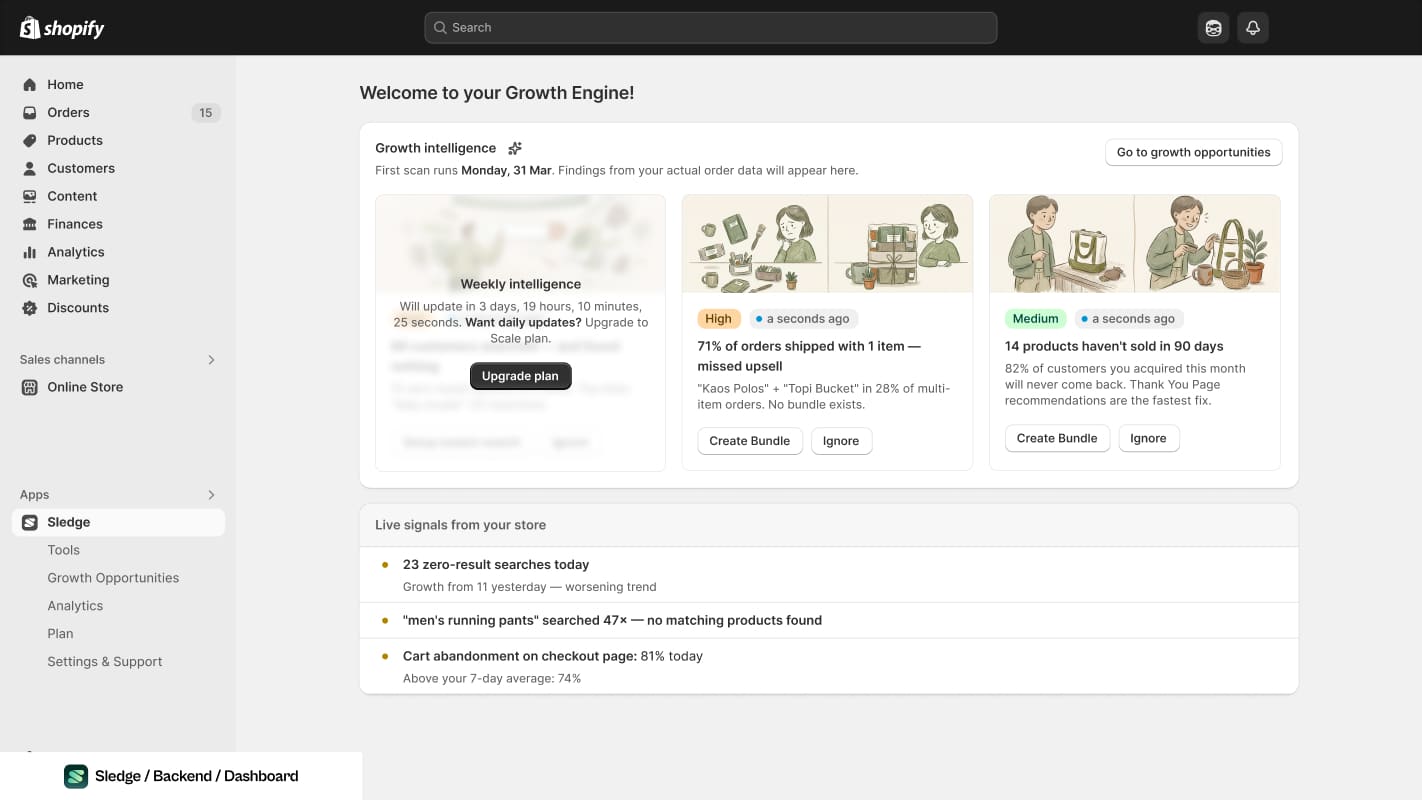
The other half of the audit, once the store records it. A query nobody logged is a check you mark unknown, not a check you pass.
Fix order, and why
- Coverage first. A product in no collection cannot be found by browsing at all, and fixing it is data entry rather than design.
- Naming second. Free, and it improves every subsequent route including search.
- Depth third. Flattening a menu is disruptive, so do it once the names are right.
- Search fourth, per chapter 4.9, because it serves a minority but a high-intent one.
- Filters fifth, per chapter 4.10.
- Sort order last, per chapter 4.11, because it only matters once the right products are reachable at all.
The whole sequence is one change at a time with the date written down. Discovery work is particularly easy to do all at once and particularly hard to attribute afterwards, because every change affects every other route.
Common questions
How do I know if a product is unreachable rather than unwanted?
Should I fix navigation or search first?
My store only sells one product. Does this apply?
How many categories should my navigation have?

The app behind these fixes
Most of Level 04 is a setting in Sledge rather than a project.
See it on the Shopify App Store